The Amateur Radio AI Cockpit
Hear what you've been missing.
Understand who is calling.
Log it automatically.
ClearBand is a complete AI cockpit for the modern shack - a real-time audio engine with a plugin ecosystem that transcribes, identifies, and logs every contact. Studio-grade noise reduction is just the foundation.
Windows · macOS · Linux · 15-day free trial
The Workflow
From raw audio to a logged contact
ClearBand does not stop at cleaner audio. It runs a full pipeline that hears the signal, understands who is calling, and files the QSO for you - all on your own PC.
Every stage above runs locally. DX Cluster and QRZ.com enrichment are optional, opt-in add-ons.
Clean the audio
The foundational DSP + AI noise reduction stage strips QRN, hiss, and heterodynes so both you and the transcriber get a clear signal.
Transcribe locally
A local speech-to-text model turns the cleaned audio into text in real time. Nothing is uploaded - the transcript never leaves your machine.
Extract the callsign
ClearBand parses callsigns out of the live transcript and resolves the entity with an on-device DXCC lookup - no internet required.
Log it automatically
The contact is written straight to your logbook (ADIF). Enable optional online plugins to enrich it with QRZ.com or DX Cluster data.
The Plugin Ecosystem
Build your cockpit in the Lab
The Lab tab is where ClearBand becomes more than a filter. Snap plugins into the signal chain to transcribe, identify, and log every contact - and switch anything you do not need off.
Voice Transcription
A local speech-to-text model captures every over as searchable text - no cloud, no upload.
Callsign Extraction
Pulls callsigns out of the live transcript so you never miss one in a pile-up.
Auto Logbook (ADIF)
Writes each contact straight to your log with time, band, and mode already filled in.
DXCC Lookup
Resolves the country/entity for any callsign from an on-device database.
DX Cluster
Cross-references live spots to prioritize the calls worth chasing.
QRZ.com Lookup
Optionally enrich a logged contact with name and QTH from your QRZ account.
Plugins marked Opt-in · Internet are disabled by default and only reach the network after you turn them on and sign in.
The Foundation
A rock-solid audio engine under everything
Great transcription and logging start with a clean signal. ClearBand's DSP and AI noise reduction are the dependable base the plugin cockpit is built on - not the whole story.
Real-Time Engine
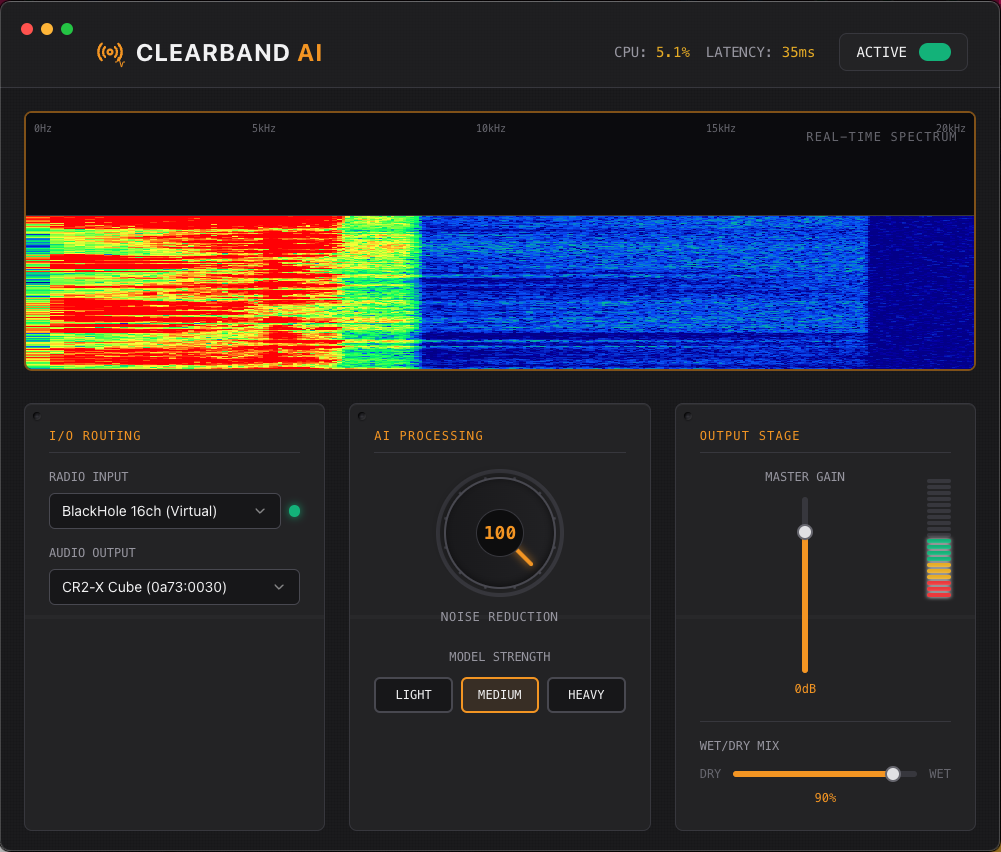
Processed locally with latency as low as 35ms - fast enough to sit in your live receive path.
AI Noise Reduction
RNNoise and DeepFilterNet crush QRN and hiss. It is the clean feed the rest of the cockpit relies on.
Dual-View Spectrum
Input vs. output waterfall - see exactly what the engine strips away.
Wet/Dry Mix
Blend raw signal back in to restore presence while keeping noise crushed.
Auto-Notch & Spectral Subtraction
Kills carriers and broadband hiss before the AI stage for maximum clean gain.
Voice Boost EQ
Psychoacoustic curve at 2.5 kHz - Heil-style intelligibility lift.
Selectable Processing Modes
Choose the right mode for your band
Fast & Efficient · Lightweight Engine
- ✓Ultra-low CPU usage
- ✓Perfect for field laptops
- ✓Battery-friendly operation
- ✓Aggressive noise gating
Deep & High Quality · Premium Engine
- ✓High-fidelity reconstruction
- ✓Restores "air" and highs
- ✓Natural voice preservation
- ✓Best for home stations
Truth in Offline
What is local, and what is not
We will not pretend the whole app is a black box. Everything that touches your audio and logs runs on-device. The only things that reach the internet are optional plugins you switch on yourself.
Strictly local & private
- ✓Core DSP & AI noise reduction
- ✓Voice transcripts
- ✓Callsign extraction
- ✓DXCC entity lookups
- ✓Your ADIF logbook
No cloud, no telemetry, no accounts. This part works with your network cable unplugged.
Opt-in, needs the internet
DX Cluster
Fetches live spots from a cluster you choose. Off until you enable it.
QRZ.com Lookup
Sends a callsign to QRZ for name/QTH after you sign in. Off by default.
These plugins are disabled out of the box and clearly labelled inside the Lab tab.
Use Cases
Built for operators who run a complete workflow
Not just an audio cable patch. ClearBand is for serious operators who want the whole loop - hear, understand, and log - handled in one place.
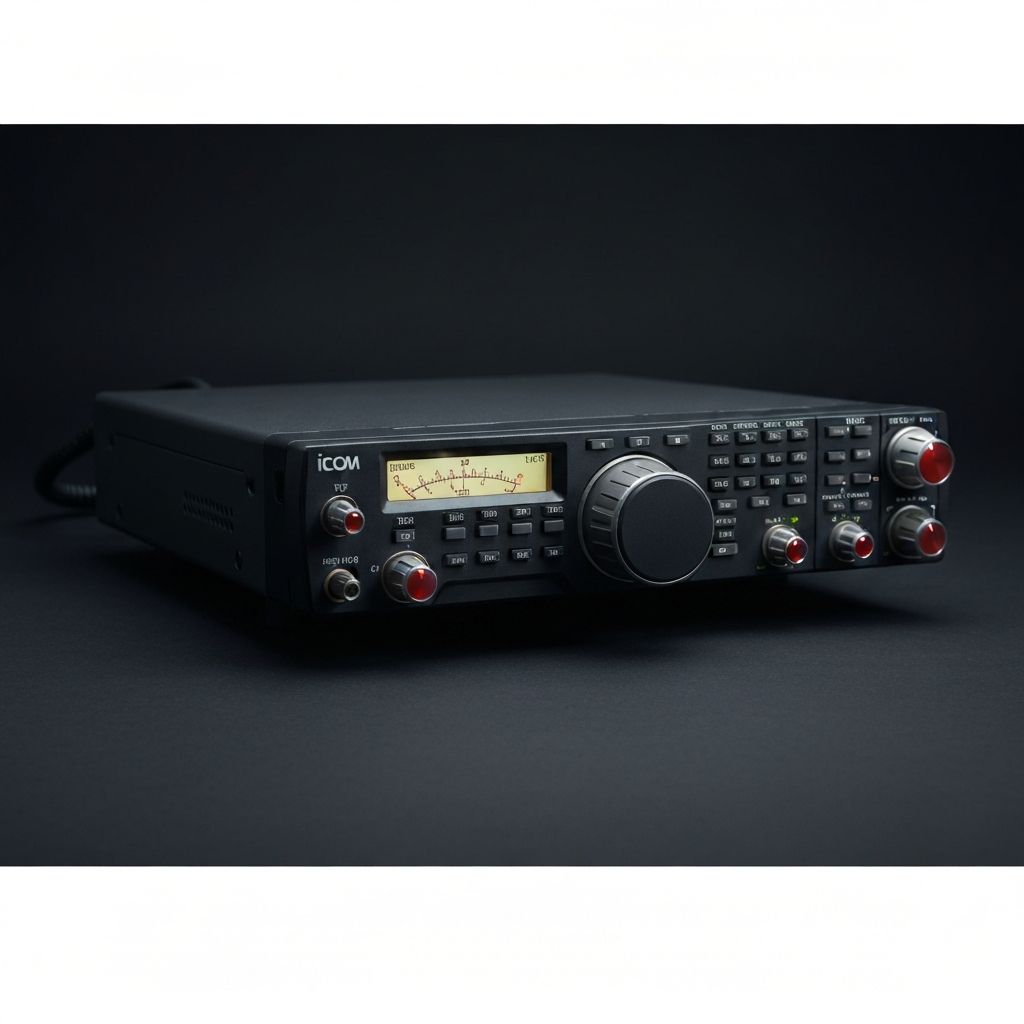 DX / HF
For DX Chasers
Hear weak callers the waterfall hides, then let the transcript catch the callsign and resolve the DXCC entity before you even key up.
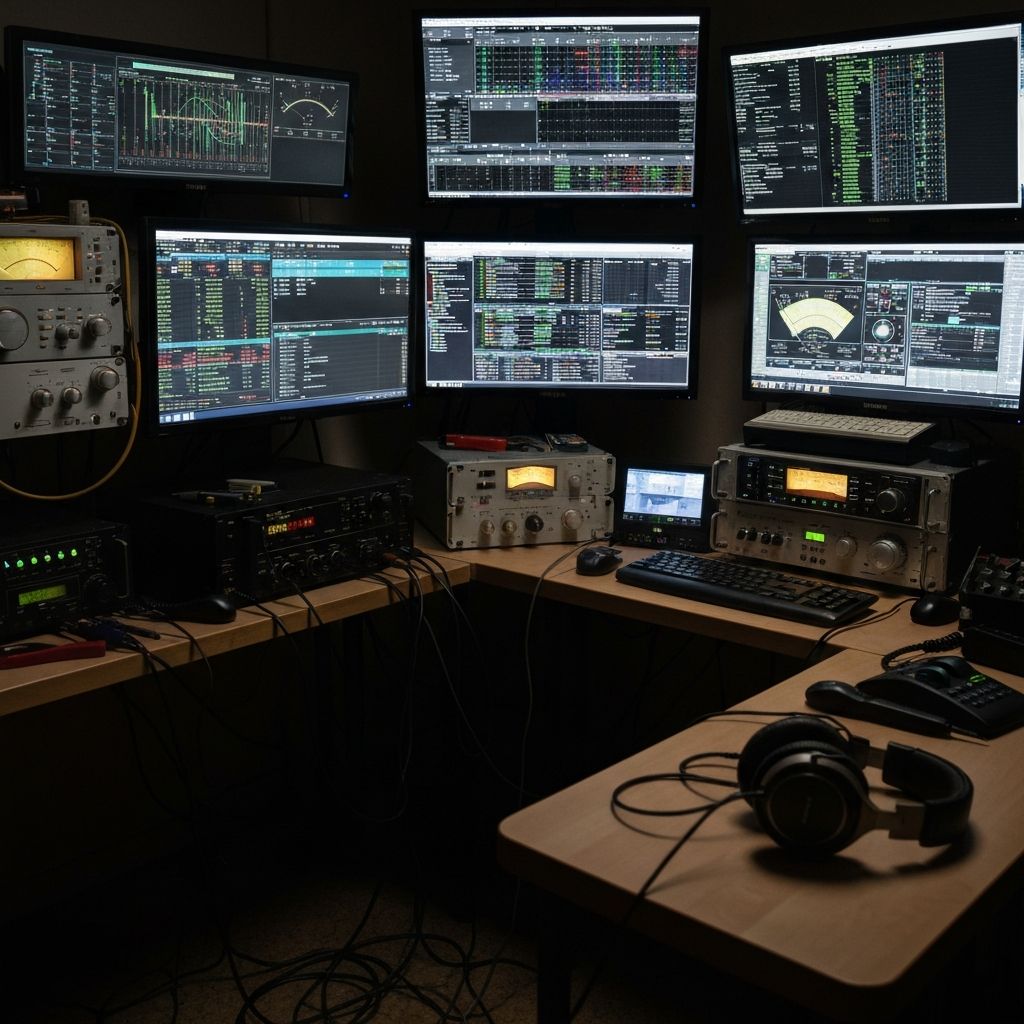 Contesting
For Contesters
Keep both hands on the run. Callsigns are transcribed and pushed to your log automatically, so a 48-hour marathon stays fast and accurate.
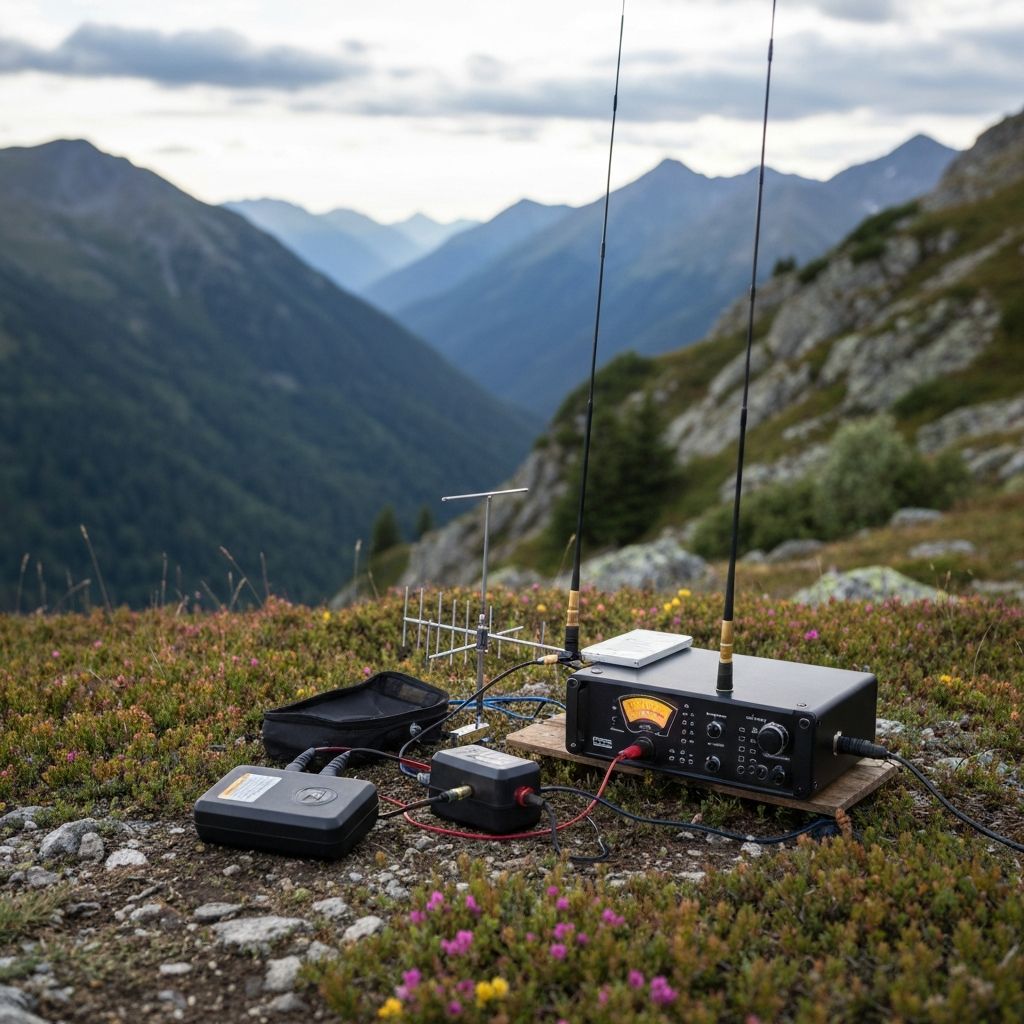 Portable Ops
For POTA / SOTA
A lightweight engine and a local logbook run all day on a field laptop - no signal on the trail needed to keep a clean, complete log.
Compatibility
Any transceiver, any band
Virtual audio cable integration means ClearBand AI slots into any shack without additional hardware.
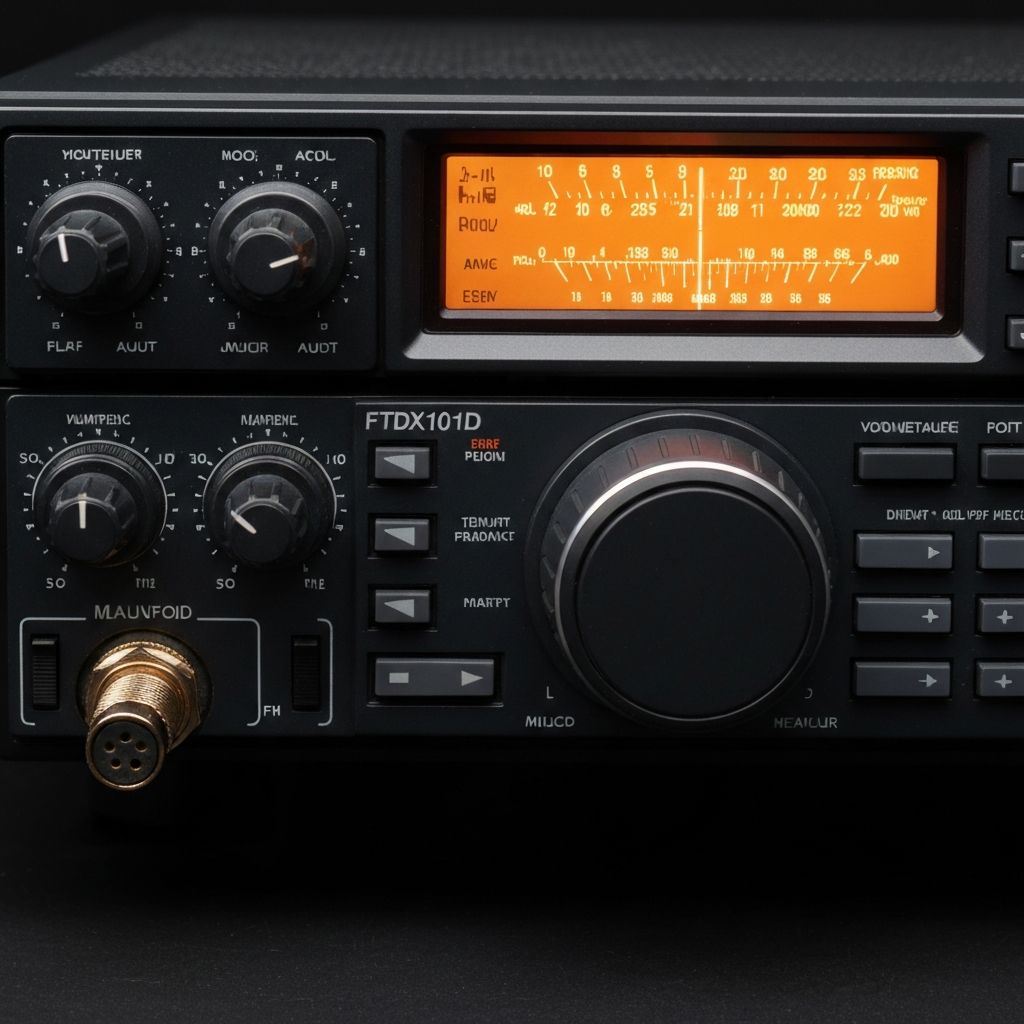
Yaesu FTDX101D
Any HF Transceiver
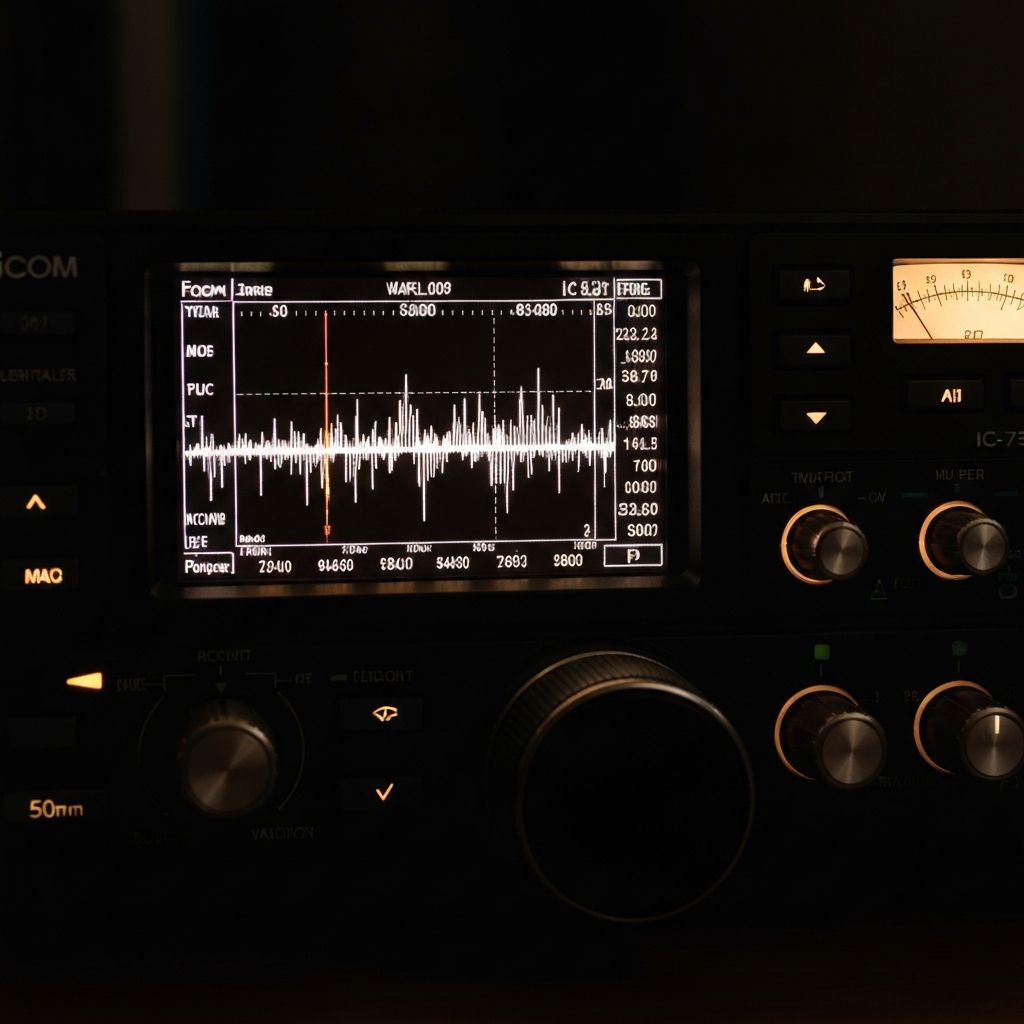
ICOM IC-7300
SDR or Traditional
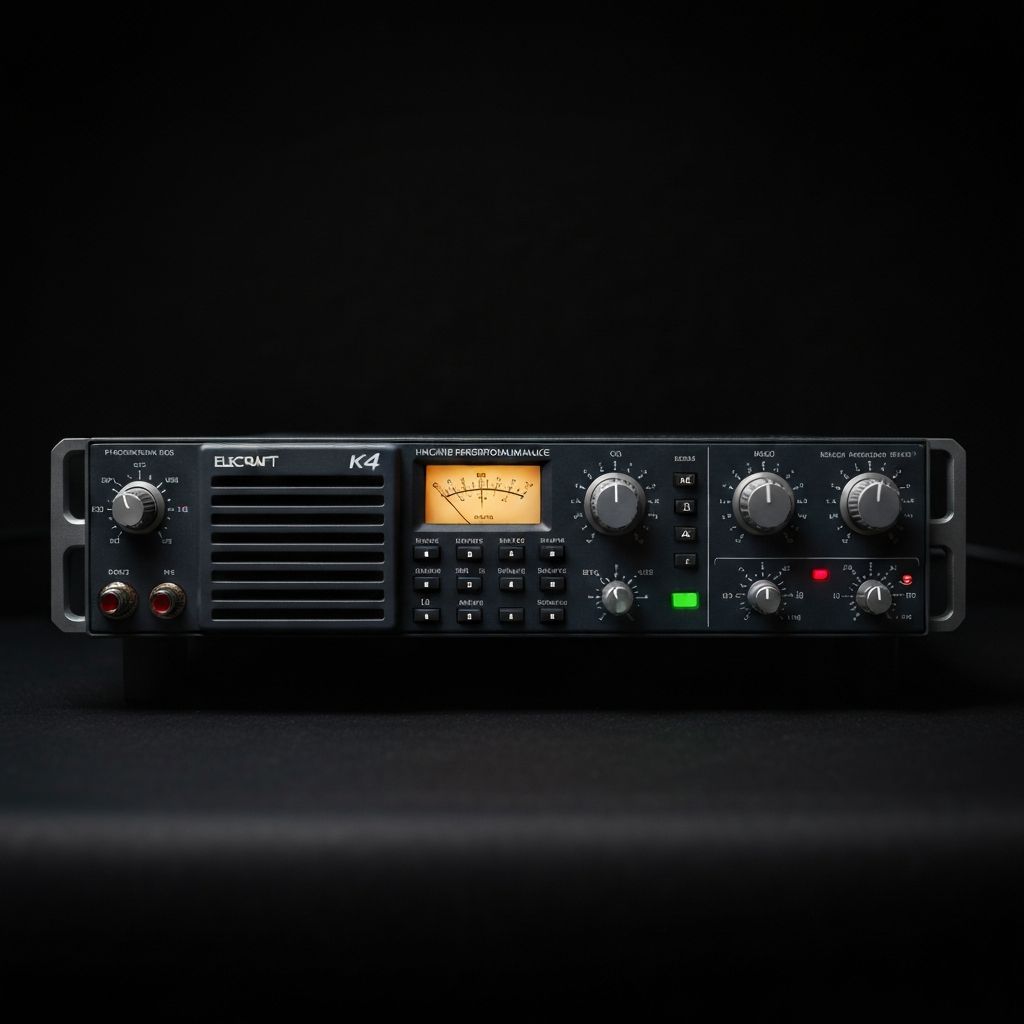
Elecraft K4
Contest Grade

From the shack
Real operator stories coming soon
We're collecting notes from early testers running the full hear-understand-log workflow once the trial opens. Join the waitlist to be among the first to build your cockpit and lock in the founding price.
Pricing
Listen. Understand. Log.
AI noise reduction is free for everyone. The Pro Bundle unlocks the intelligence layer that transcribes, identifies, and logs your QSOs.
Core
Free
Forever. No credit card.
- Two AI noise-reduction engines (RNNoise + DeepFilterNet)
- Full DSP pipeline: ANF, spectral subtraction, voice EQ, WDRC
- Dual-view spectrum analyzer
- Cross-platform: Windows, macOS, Linux
- 100% offline, no cloud, no telemetry
- Free updates for life
Pro Bundle
Includes 15-day free trial · No credit card required
- Everything in Core
- Local offline voice transcription
- Real-time callsign extraction from audio
- Offline DXCC callsign resolution
- Auto-logbook with ADIF export
- Station info overlay
- Priority email support
Waitlist members lock in $29 founding price
Technical Specs
Compatible with your existing setup
Operating Systems
- Windows 10 / 11 (x64)
- macOS 12+ (M1/M2 native)
- Ubuntu 20.04+ / Debian
Audio I/O
- USB audio codec (ICOM, Yaesu, Kenwood)
- VB-Cable / BlackHole virtual cables
- ASIO / CoreAudio / ALSA
Tested Transceivers
- ICOM IC-7300, IC-7610, IC-7851
- Yaesu FTDX101D, FT-991A
- Kenwood TS-590S, TS-890S
- Elecraft K3S, K4
- Any rig with audio output
Hardware Requirements
- CPU: Intel i3 / Ryzen 3 (2018+)
- RAM: 4 GB minimum
- Storage: ~1 GB for AI + transcription models
- GPU: Not required
Local-First by design
Your audio, transcripts, and logbook never leave your machine. Only the opt-in DX Cluster and QRZ.com plugins reach the internet - and only after you turn them on.